
← All manuals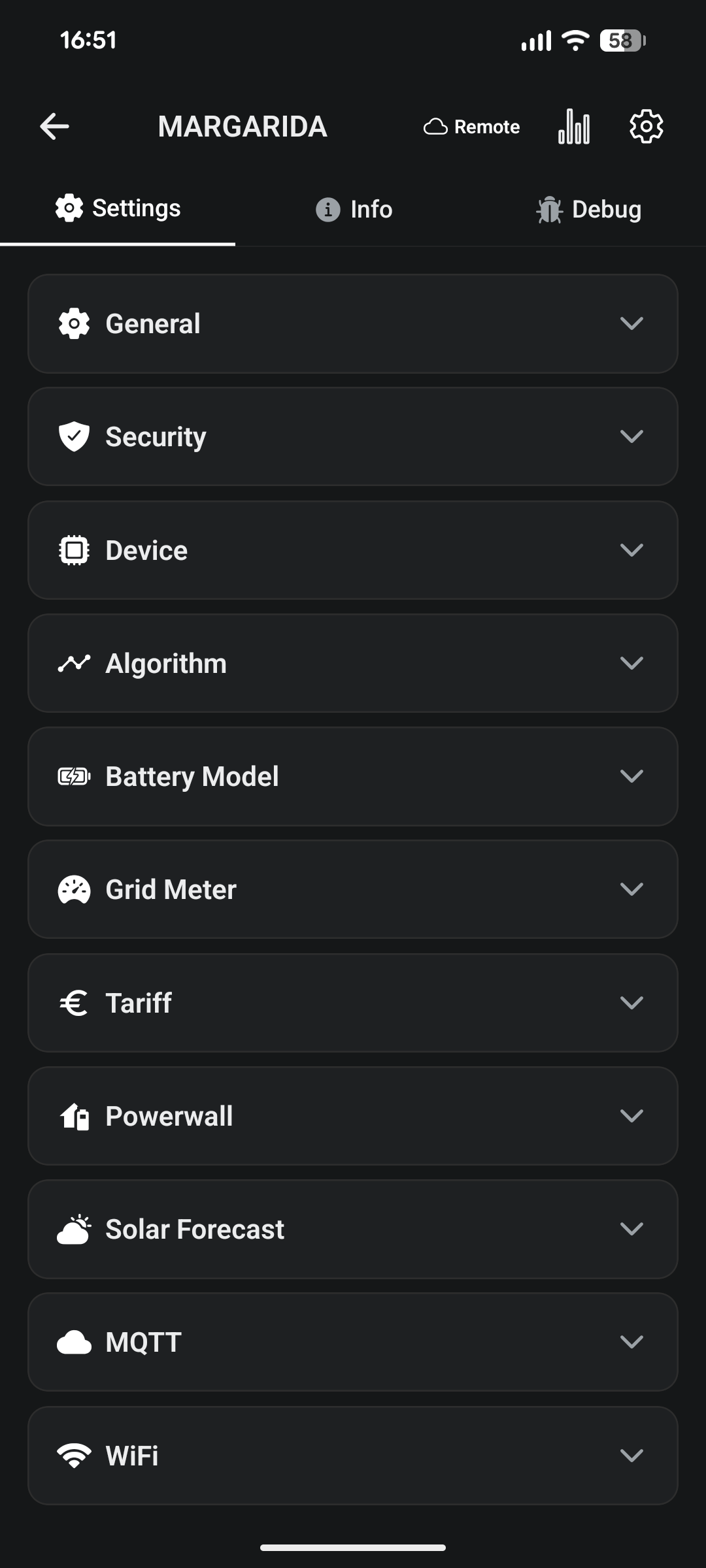
Configuration reference
Open a charger and go to Settings. Settings are grouped into collapsible sections. Most controls save immediately when you change them; MQTT and Wi-Fi are edited as a form and saved with a Save button. Pull down to refresh.
Safety limits (Security section) protect your installation. Only raise them if your wiring and breaker support it.
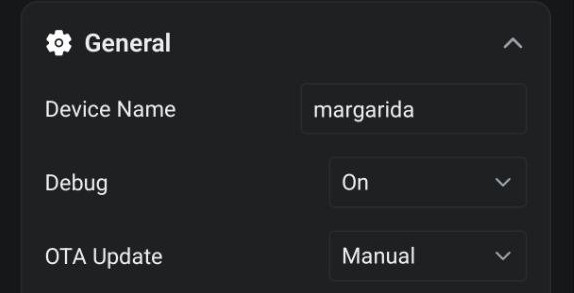
General#
| Setting | Options / notes |
|---|---|
| Device Name | Friendly name shown in your device list. |
| Debug | Off / On — verbose logging for diagnostics. |
| OTA Update | Disabled / Manual / Auto — firmware update behaviour. |
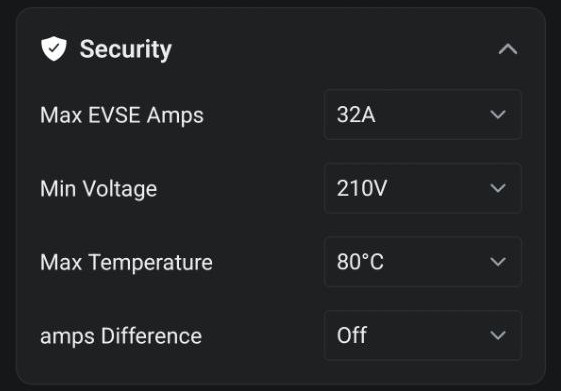
Security#
| Setting | Options / notes |
|---|---|
| Max EVSE Amps | 6–80 A. Hard ceiling for charge current — set to your circuit rating. |
| Min Voltage | Off, or 200–240 V. Pauses charging if voltage sags below this. |
| Max Temperature | Off, or 60–90 °C. Pauses charging if the unit gets too hot. |
| Amps Difference | Off, or 1–10 A. Allowed mismatch before a fault is raised. |
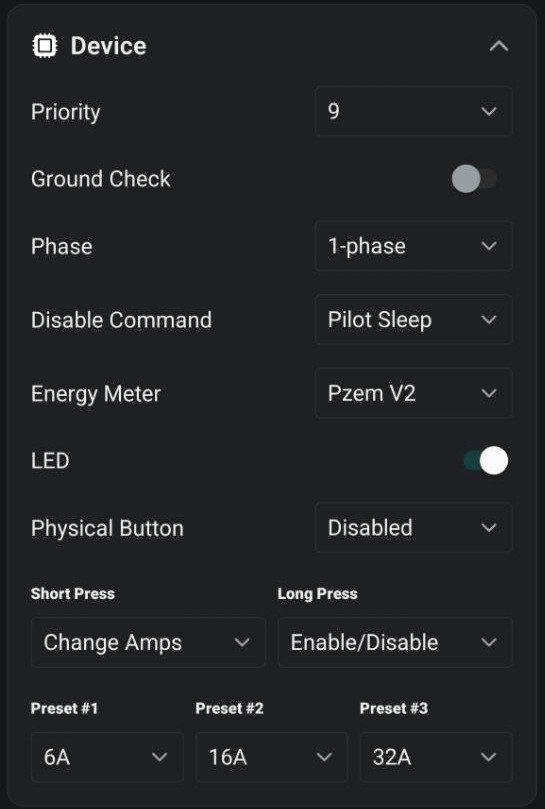
Device#
| Setting | Options / notes |
|---|---|
| Priority | Low / High. Order when balancing multiple chargers. |
| Ground Check | On/Off — verify protective earth before charging. |
| Phase | 1-phase / 3-phase. |
| Disable Command | Pilot Sleep / Pilot Off — how the car is told to stop. |
| Energy Meter | Disabled / Pzem V1 / Pzem V2 — built-in metering hardware. |
| LED | On/Off status light. |
| Physical Button | Disabled / Enabled / Enabled (not charging). |
| Short Press, Long Press | Action per press: Change Amps, Enable/Disable, Enable/Temp Disable. |
| Preset #1–#3 | Amp levels cycled by the Change Amps button action. |
Algorithm#
Tuning for solar/surplus charging. Delays are in seconds (0–360) — think in minutes to avoid frequent start/stops.
| Setting | What it does |
|---|---|
| Allowed Import | Amps tolerable from the grid before stopping. Note: car minimum is ~6 A. |
| Import Delay | Wait before stopping when importing (smooths cloud spikes). |
| Allowed Export | Surplus amps tolerable before starting a charge. |
| Export Delay | Wait before starting when exporting. |
| Start Delay | Wait before auto-increasing amps after a charge begins. |
| Stop Delay | Wait before decreasing amps or stopping (2–5 s typical). |
| Change Delay | Wait between successive amp increases on a fluctuating grid. |
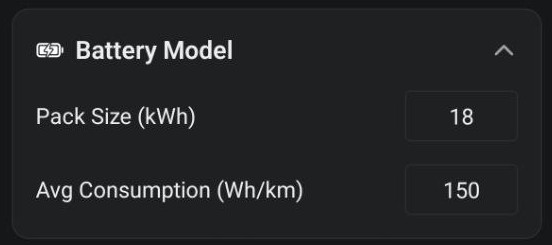
Battery Model#
| Setting | Notes |
|---|---|
| Pack Size (kWh) | Your car’s usable battery capacity. |
| Avg Consumption (Wh/km) | Used to estimate range added. |
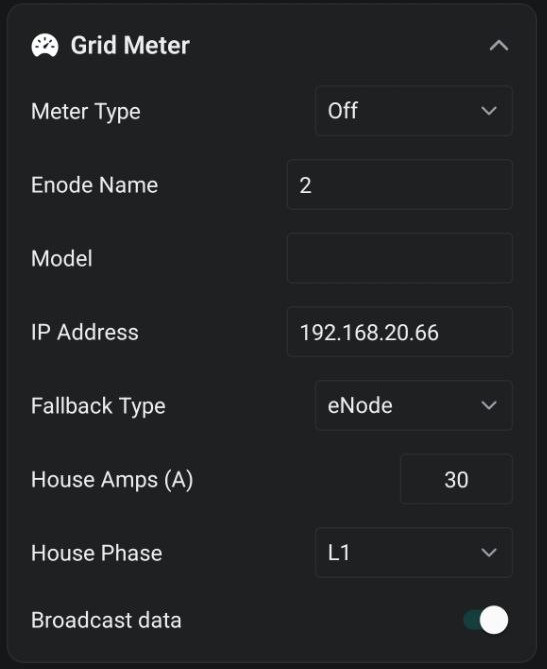
Grid Meter#
How the charger reads household import/export.
| Setting | Options / notes |
|---|---|
| Meter Type | Off, or your meter / hybrid inverter — see Grid meter and inverter compatibility. |
| Enode Name, Model, IP Address | Connection details for the meter/inverter. |
| Fallback Type | Secondary meter source if the primary is unavailable. |
| House Amps | Main breaker rating, for whole-home load limiting. |
| House Phase | L1 / L2 / L3 / Three Phase the charger is wired to. |
| Broadcast data | Re-broadcast meter readings on the local network. |
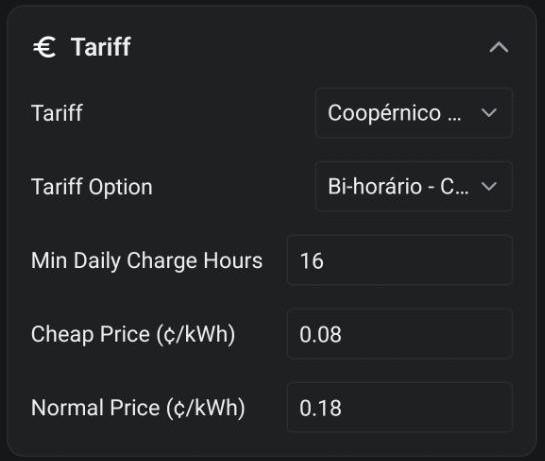
Tariff#
| Setting | Notes |
|---|---|
| Tariff, Tariff Option | Your electricity plan and band. |
| Min Daily Charge Hours | Minimum guaranteed cheap-rate charging per day. |
| Cheap Price, Normal Price (¢/kWh) | Used for cost reporting and cheap-hour selection. |
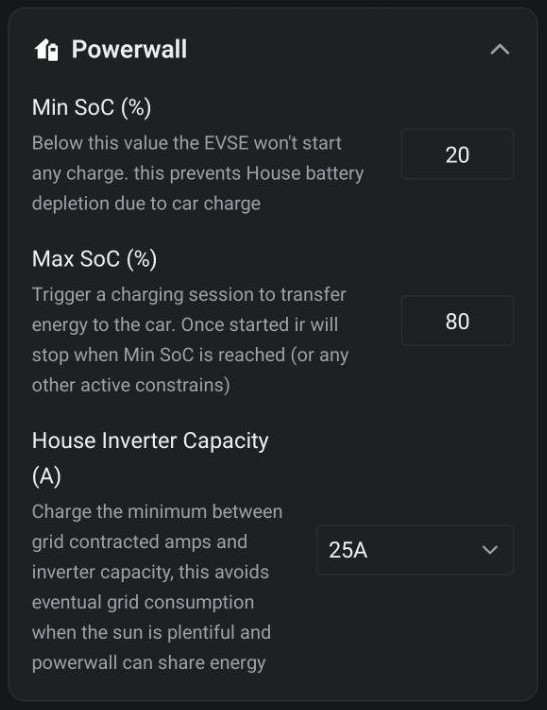
Home Battery#
For homes with a battery / hybrid inverter.
| Setting | Notes |
|---|---|
| Min SoC (%) | Charging won’t start below this — protects the home battery. |
| Max SoC (%) | Above this, surplus can be sent to the car. |
| House Inverter Capacity (A) | Caps car charging to inverter output to avoid grid draw. |
Solar Forecast#
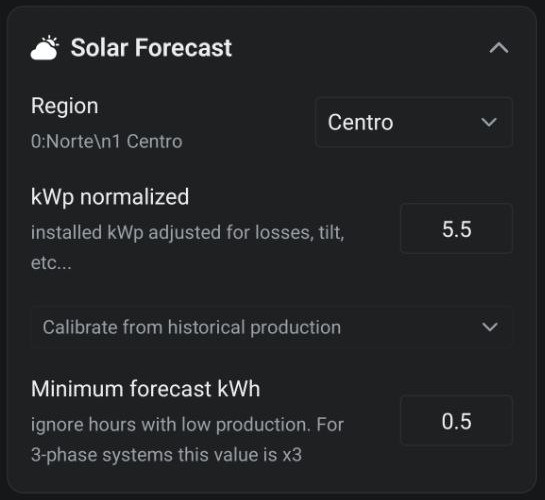
| Setting | Notes |
|---|---|
| Region | Forecast region for your location. |
| kWp normalized | Installed kWp adjusted for tilt and losses. |
| Calibrate from historical production | Enter the last 5 days’ kWh to compute kWp automatically (cloud only). |
| Minimum forecast kWh | Ignore low-production hours (×3 for 3-phase). |
MQTT — Save button#
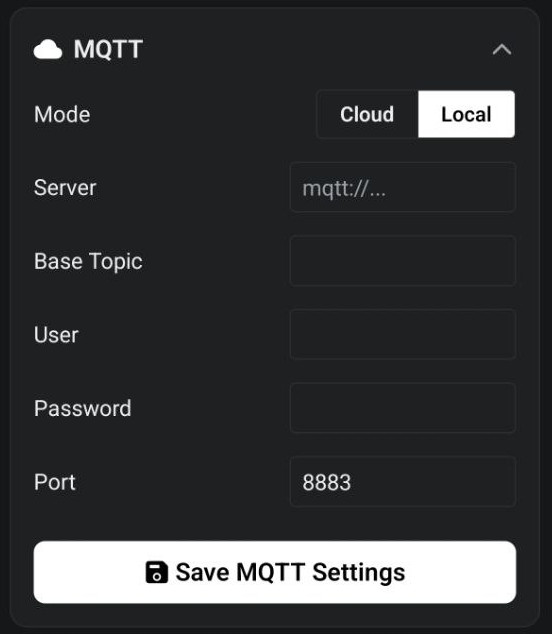
| Setting | Notes |
|---|---|
| Mode | Cloud (managed) or Local (your own broker). |
| Server, Base Topic, User, Password, Port | Shown when Mode = Local. |
Wi-Fi — Save button#
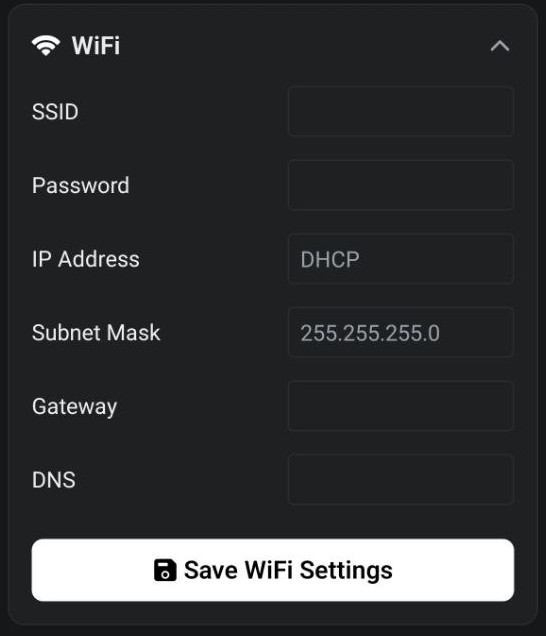
| Setting | Notes |
|---|---|
| SSID, Password | Network the charger connects to. |
| IP Address | Leave blank for DHCP, or set for a static address. |
| Subnet Mask, Gateway, DNS | Required only with a static IP. |