
← All manuals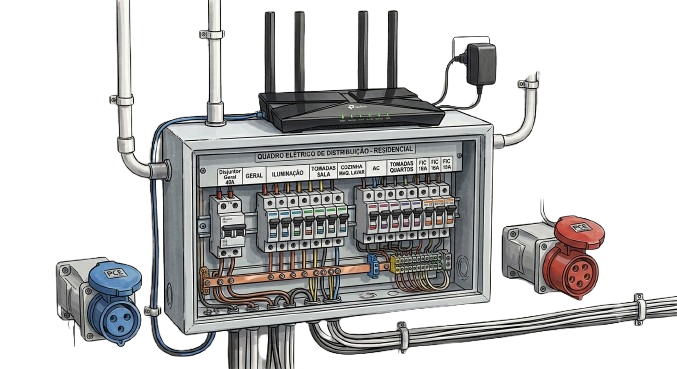
Requirements and installation
This guide covers the installation requirements. For full electrical specifications, see the installation manual (coming soon).
Safety first. Final electrical connection must be performed by a qualified electrician in accordance with local regulations.
1. In the box#
- MissingBolt charging unit
2. Prerequisites#
-
Choose a sheltered location within cable reach of your parking spot.
-
Install a CEE32 surface-mounted single-phase or three-phase socket depending on the charging unit supplied.
Sockets used on the EVSE and an example of the matching surface-mounted socket from an online store:
| Type | EVSE side | Wall side |
|---|---|---|
| Single-phase | 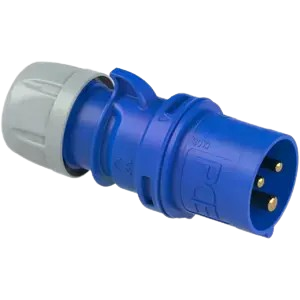 PCE 023-6 | 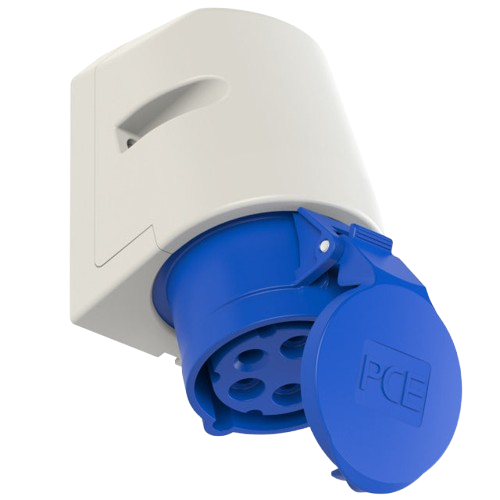 PCE 123-6 |
| Three-phase | 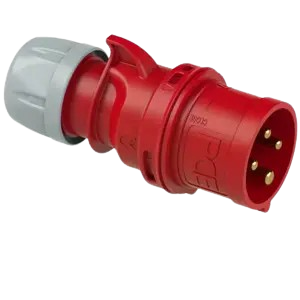 PCE 025-6 | 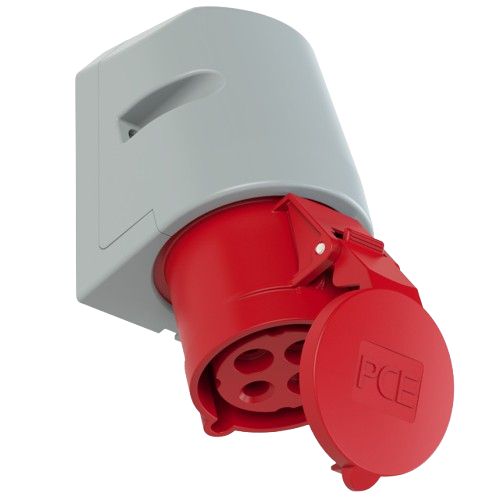 PCE 125-6 |
-
Ensure the charging unit location has good WiFi coverage.
-
Optionally fix the charging unit to the wall.
3. Power and network#
- Have your electrician connect the supply and verify earthing.
- Power on the charging unit. The status ring pulses red while starting up and turns green when ready.
4. Before your first charging session#
Follow the provisioning instructions for your MissingBolt charging unit on the Manuals page.
Need help? Contact us.