
Scheduler
The scheduler charges your car automatically based on solar and tariff forecasts. You still have the flexibility to define higher priority charging windows.
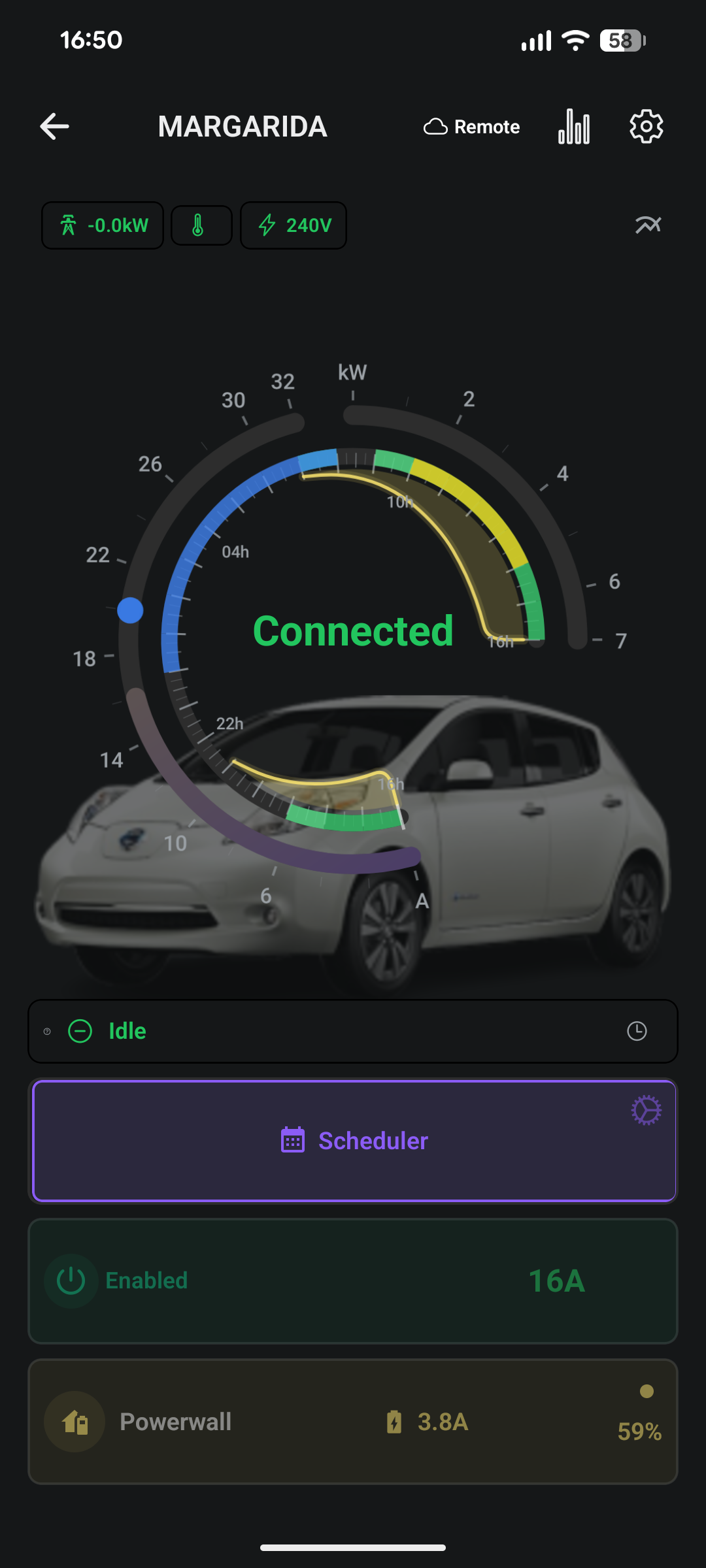
Open a charger → Settings → Schedule.
Concepts#
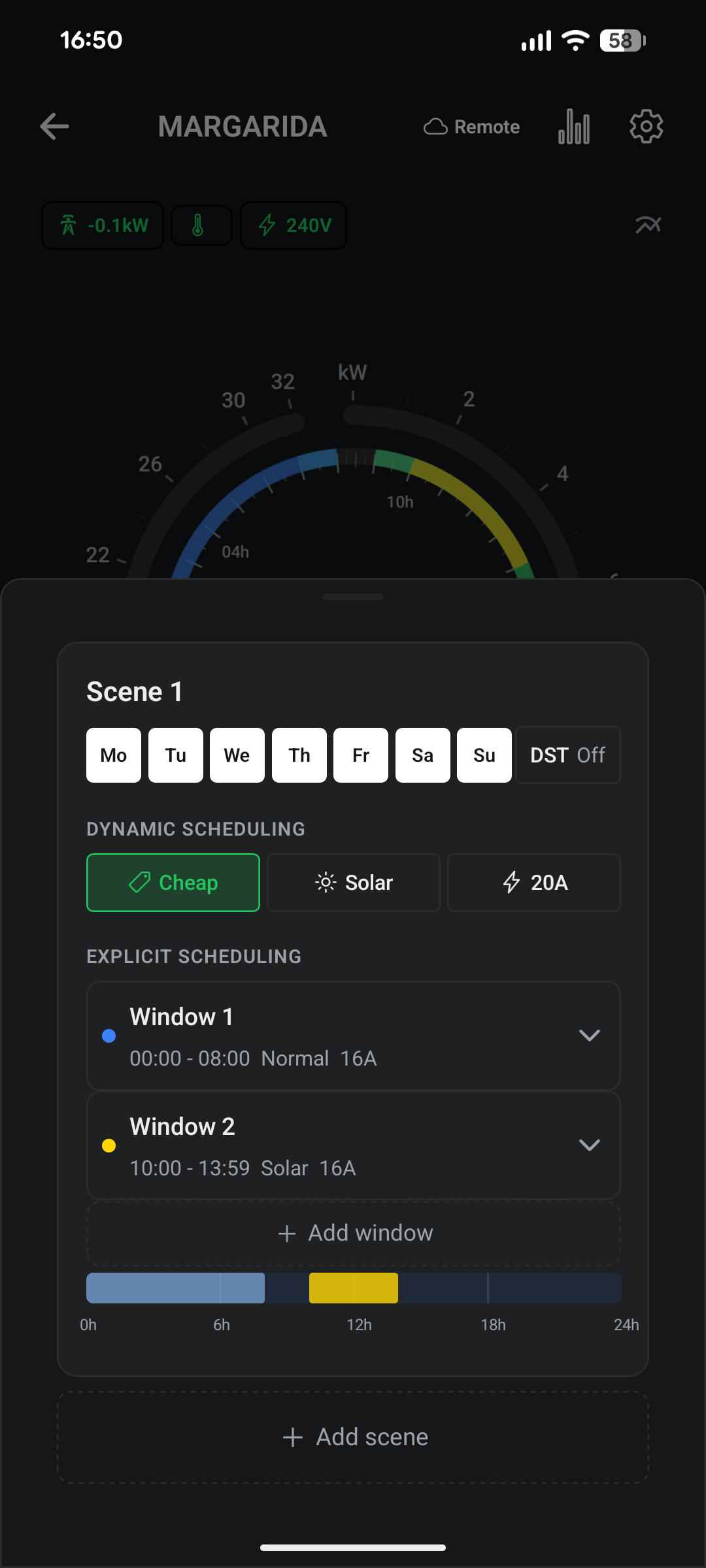
- Scene — a rule that applies to a set of weekdays. You have 4 scenes.
- Window — a time slot within a scene. Each scene has up to 3 windows.
- Mode — what a window does: Disable, Normal, or Solar.
- Sources — beyond fixed windows, a scene can also pull in cheap hours (from your tariff) and solar hours (from the forecast).
A scene activates on its selected days; within it, each window turns charging on for its time range, mode, and current.
Modes#
| Mode | Behaviour |
|---|---|
| Disable | Window is off — no charging. |
| Normal | Charge at the set amps for the whole window. |
| Solar | Charge only from surplus solar during the window (uses the Algorithm settings). |
Build a schedule#
For each scene:
- Pick days — toggle the weekdays the scene covers (Mon–Sun).
- Set DST (optional) — Off, Winter, or Summer so a scene can apply only in one season.
- Configure windows — expand a window and set:
- Start and End time (start must be before end).
- Mode — Disable / Normal / Solar.
- Amps — 6 A up to your Max EVSE Amps.
- (Optional) enable cheap hours and/or solar hours, then set an amps cap for them.
Changes save as you make them, with a confirmation toast.
Timeline#
Each scene shows a 24-hour bar with grid lines at 6h, 12h, 18h. Windows are colour-coded by mode; disabled windows are blank.
Cheap & solar hours#
Instead of (or alongside) fixed windows, let the charger fill the gaps:
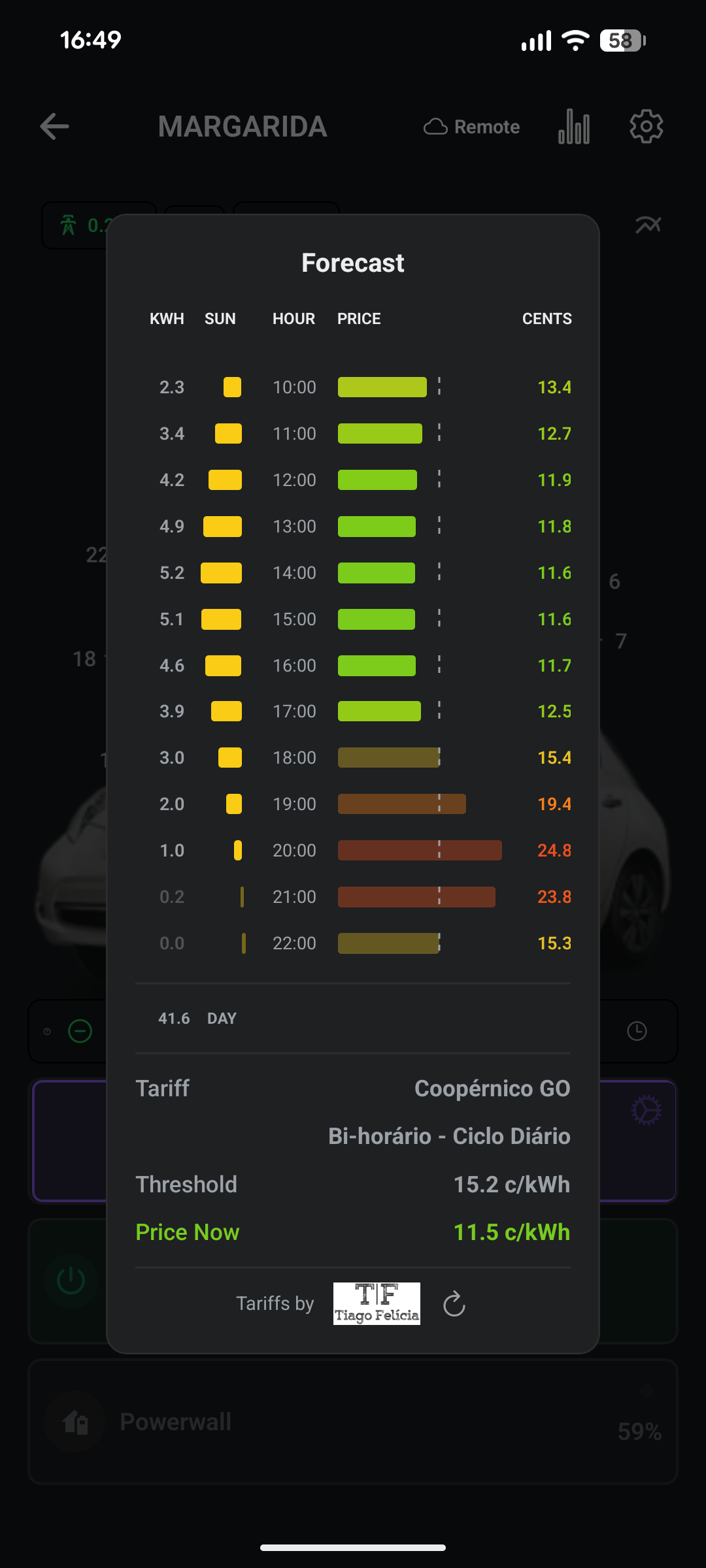
- Cheap hours — charge during your tariff’s cheapest hours.
- Solar hours — charge during forecast solar-production hours.
- Amps cap — required when either is enabled; limits current during those auto-selected hours.
Rules#
- A scene needs at least one active window or source enabled.
- If cheap or solar hours are on, the amps cap must be greater than 0.
- Scenes must not overlap — two scenes can’t share a weekday and an overlapping DST setting (Off overlaps everything).
- No days selected is allowed, but the scene never activates.
Examples#
Overnight cheap charging — Scene: Mon–Fri. Window 1: 00:00–07:00, Normal, 16 A. Or skip the window and enable cheap hours with a 16 A cap.
Daytime solar, weekends — Scene: Sat–Sun. Window 1: 09:00–18:00, Solar, 16 A. Charges only from surplus while the sun is up.
Top-up then solar — Window 1: 05:00–07:00, Normal, 10 A (guaranteed range); Window 2: 10:00–16:00, Solar, 16 A (free top-up).